
3 hour ago / Admin
HomingGame Commercial Coin-Operated LED Claw Crane Machine(Order Call Whatsapp:+852-59288152 or Email:hominggame224@gmail.com)
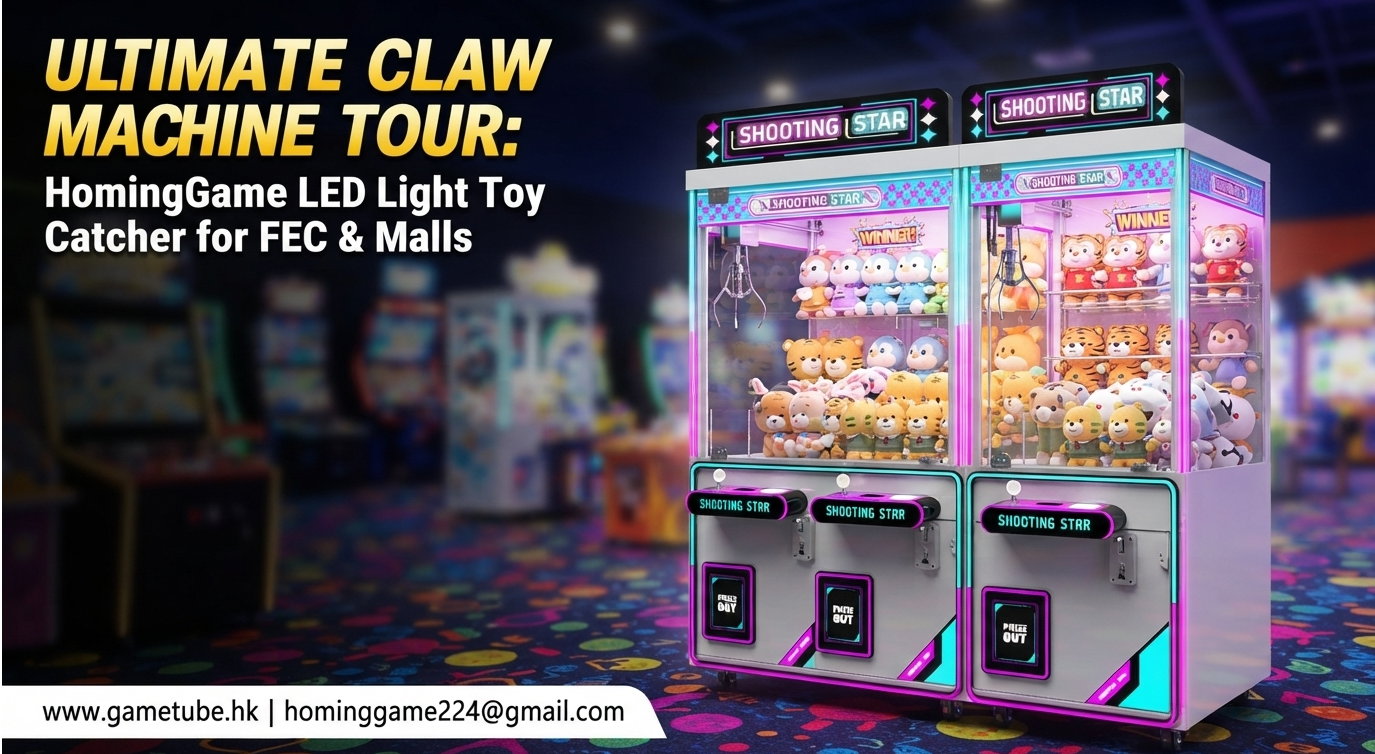
The Ultimate High-ROI Revenue Generator for Family Entertainment Centers, Arcades, and Retail Malls
Product Overview
Welcome toHomingGame, your trusted manufacturer of premium arcade gaming solutions. Our flagshipCommercial Coin-Operated LED Claw Crane Machineis engineered for maximum player retention and long-term durability. Built with a heavy-duty metal frame, tempered safety glass, and vibrant programmable RGB LED lighting, this plush toy catcher machine instantly draws foot traffic in high-density commercial locations. Whether you are outfitting a brand-new arcade room, shopping mall zone, or family entertainment center (FEC), HomingGame delivers factory-direct reliability and unmatched profitability.
Why Choose HomingGame Crane Machines?
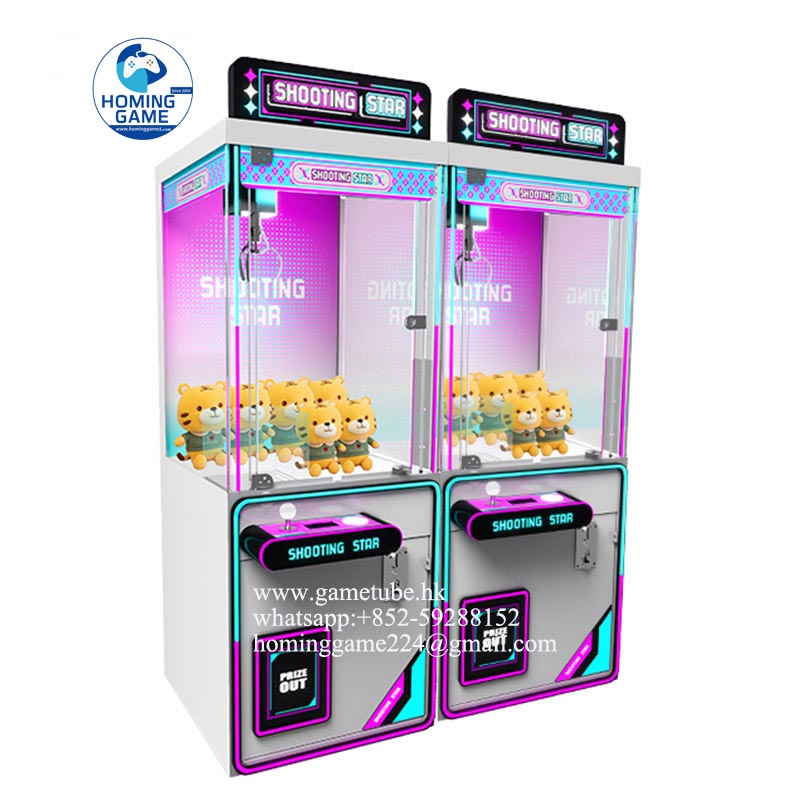
✔ Eye-Catching RGB LED Illumination:Dynamic, multi-color LED lighting strips run along the exterior frame, creating an irresistible visual attraction loop for players of all ages.
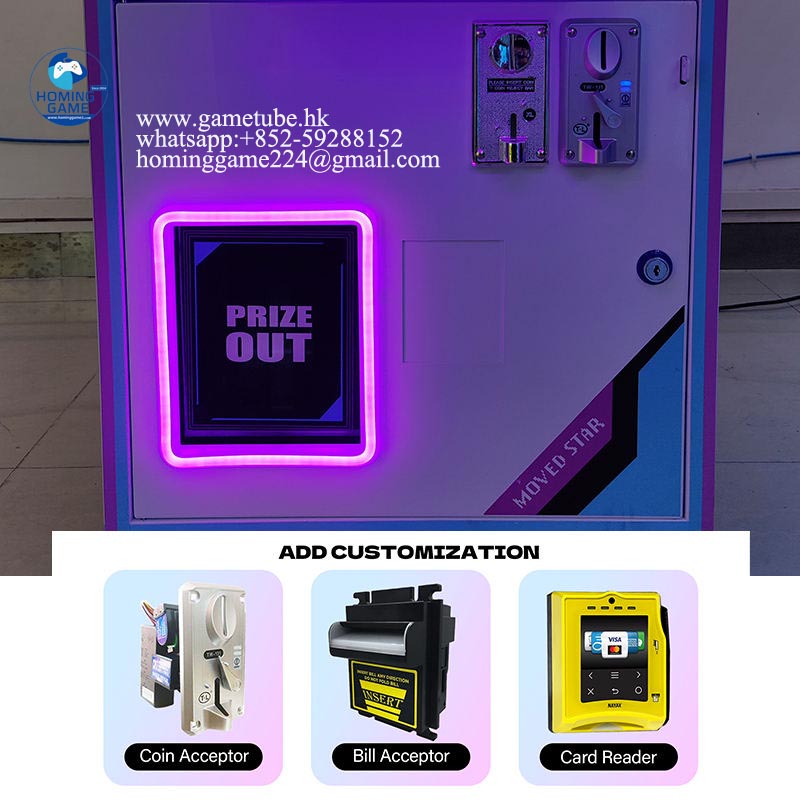
✔ Flexible Payment Integration:Equipped with high-precision coin mechanisms and customizable bill acceptor/card reader compatibility for seamless global deployment.
✔ Industrial-Grade Build Quality:Crafted from a robust metal cabinet frame, high-impact acrylic panels, and scratch-resistant tempered glass for heavy daily commercial use.
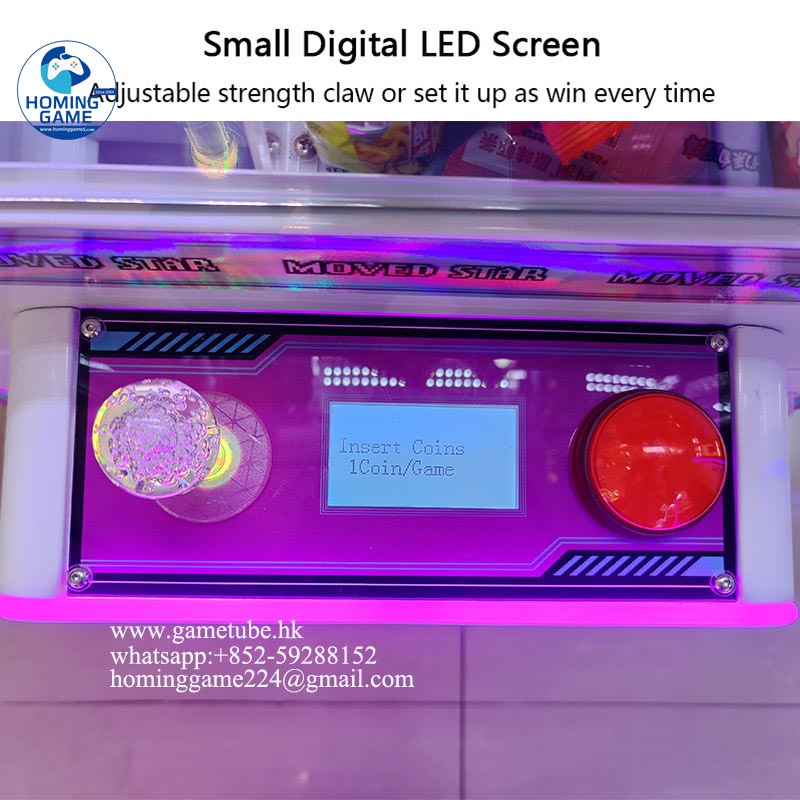
✔ Intelligent Microprocessor Controls:Easily adjustable claw strength, prize payout ratios, timing cycles, and digital accounting diagnostics via an onboard LED control panel.
✔ Global Plug & Voltage Compatibility:Built with universal power supplies (110V/220V) and customized regional plug options for North America, Europe, Asia, and Latin America.
Technical Specification Details / Options Brand Name HomingGame Model Number HGM-CC011 Type Coin-Operated Claw Crane Machine / Toy Catcher Place of Origin Guangdong, China Primary Material Heavy-Duty Metal Frame, Tempered Glass, High-Impact Acrylic Lighting System Programmable Full-Color RGB LED Strips & Marquee Lamp Voltage / Power AC 110V / 220V (Universal), 250W Coin & Payment Electronic Coin Selector + Bill Acceptor / Card Reader Ready Number of Players 1 Player Applicable Age 8 Years to Adult Game Type / Payout Skill-Based / Adjustable Probability Settings Supported Prizes Plush Toys, Capsules, Keychains, Electronics, Blind Boxes Customization Services OEM / ODM Welcomed (Cabinet Decals, Logo, Joystick Colors, Voltage) Warranty & Support 12 Months Comprehensive Warranty + Lifetime Technical Support
Ideal Applications & Locations
Designed for high-traffic commercial environments looking to maximize floor space ROI:
Family Entertainment Centers (FEC) Shopping Malls & Retail Atriums Arcade Game Centers Movie Theaters & Bowling Alleys Amusement Parks & Resorts Children Play Zones
Ready to Upgrade Your Arcade Venue?
Contact HomingGame today for wholesale pricing, custom branding options, and fast international shipping catalogs!
Inquire Now for Factory Direct Pricing
3 day ago / Admin
Custom 55 65 85 Inch Multi-Player Fish Hunting Game Machine - 8 to 10 Seats Coin-Operated Arcade Fishing Table | HomingGame Factory Direct(Order Call Whatsapp:+852-59288152 or Email:hominggame224@gmail.com)
Product Overview
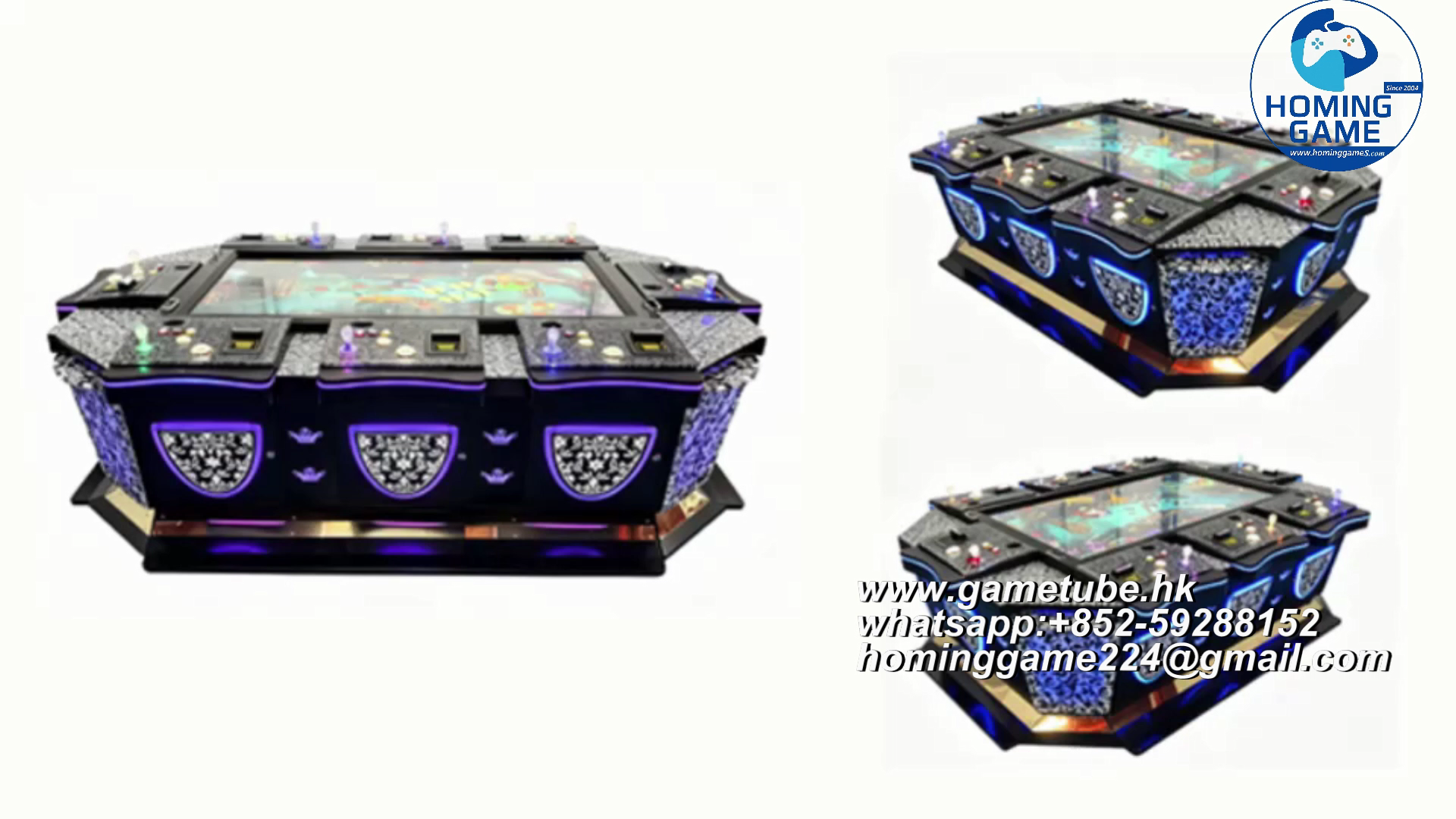
Welcome toHomingGame, your trusted direct manufacturer and wholesale supplier of high-end arcade amusement equipment. Elevate your FEC (Family Entertainment Center), game room, or arcade lounge with ourCustom 55 65 85 Inch Multi-Player Fish Hunting Game Machine. Designed for maximum player engagement and high coin-in turnover, this premium 8-to-10-player arcade fishing table combines stunning ultra-HD visuals with robust commercial-grade metal cabinetry.
Whether you are looking to upgrade your existing floor layout or launch a brand-new commercial arcade project, our factory-direct fish tables offer exceptional reliability, customizable software options, and lucrative return on investment (ROI).
Get Factory Direct Quotes & Custom Catalogs
Contact our professional sales team right now via WhatsApp or Email:
WhatsApp: +852-59288152 Email: hominggame224@gmail.com
Key Features & Competitive Advantages
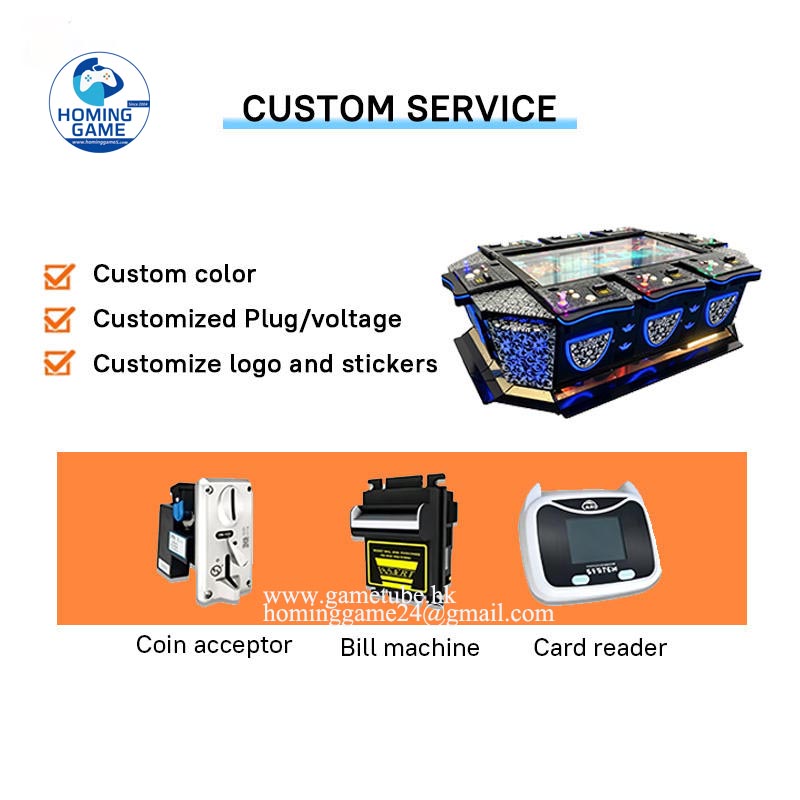
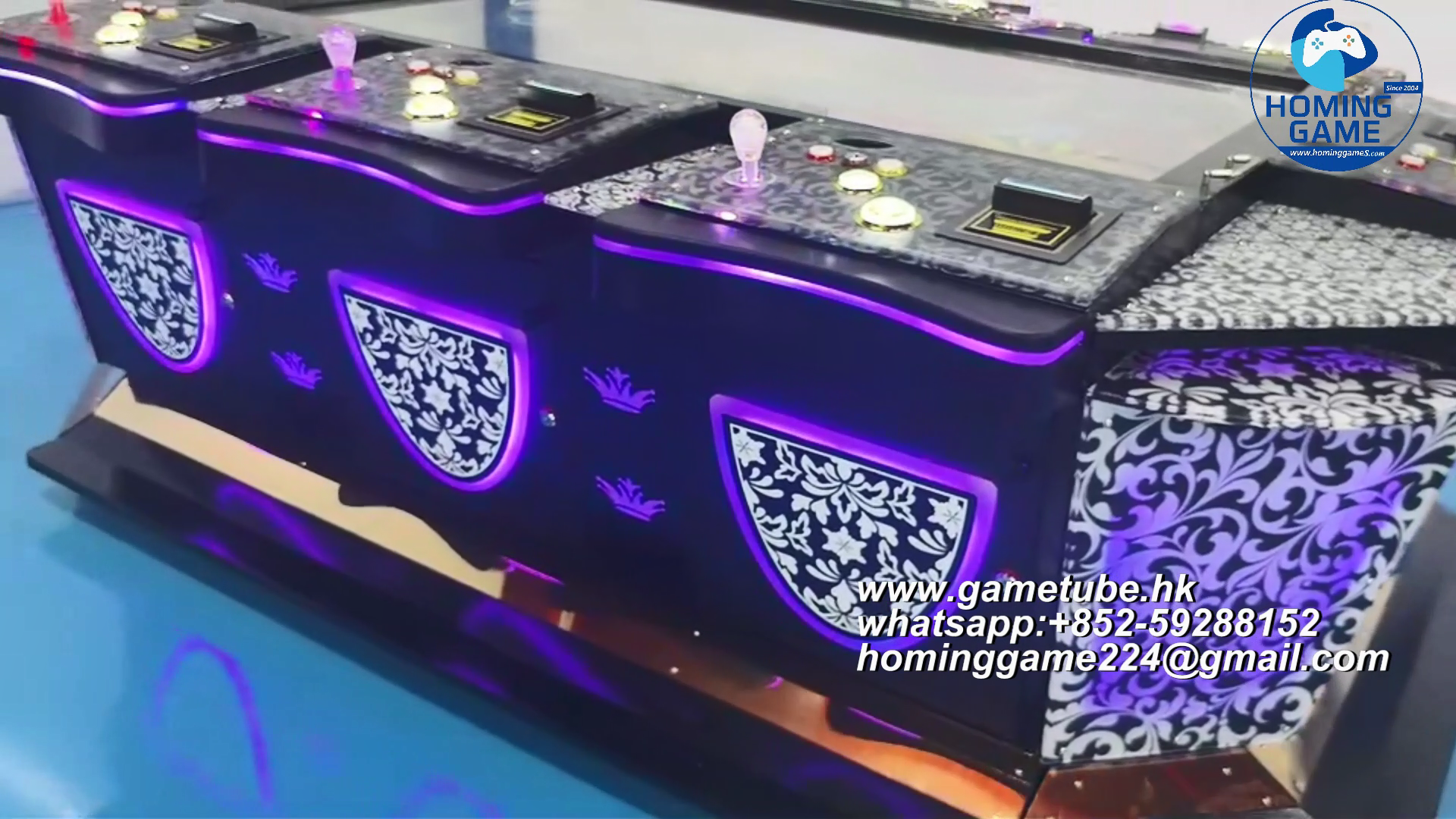
Factory Direct Pricing & Customization:HomingGame provides OEM/ODM manufacturing. Customize your cabinet colors, artwork, joystick layouts, button configurations, and localized game languages to fit your target market.
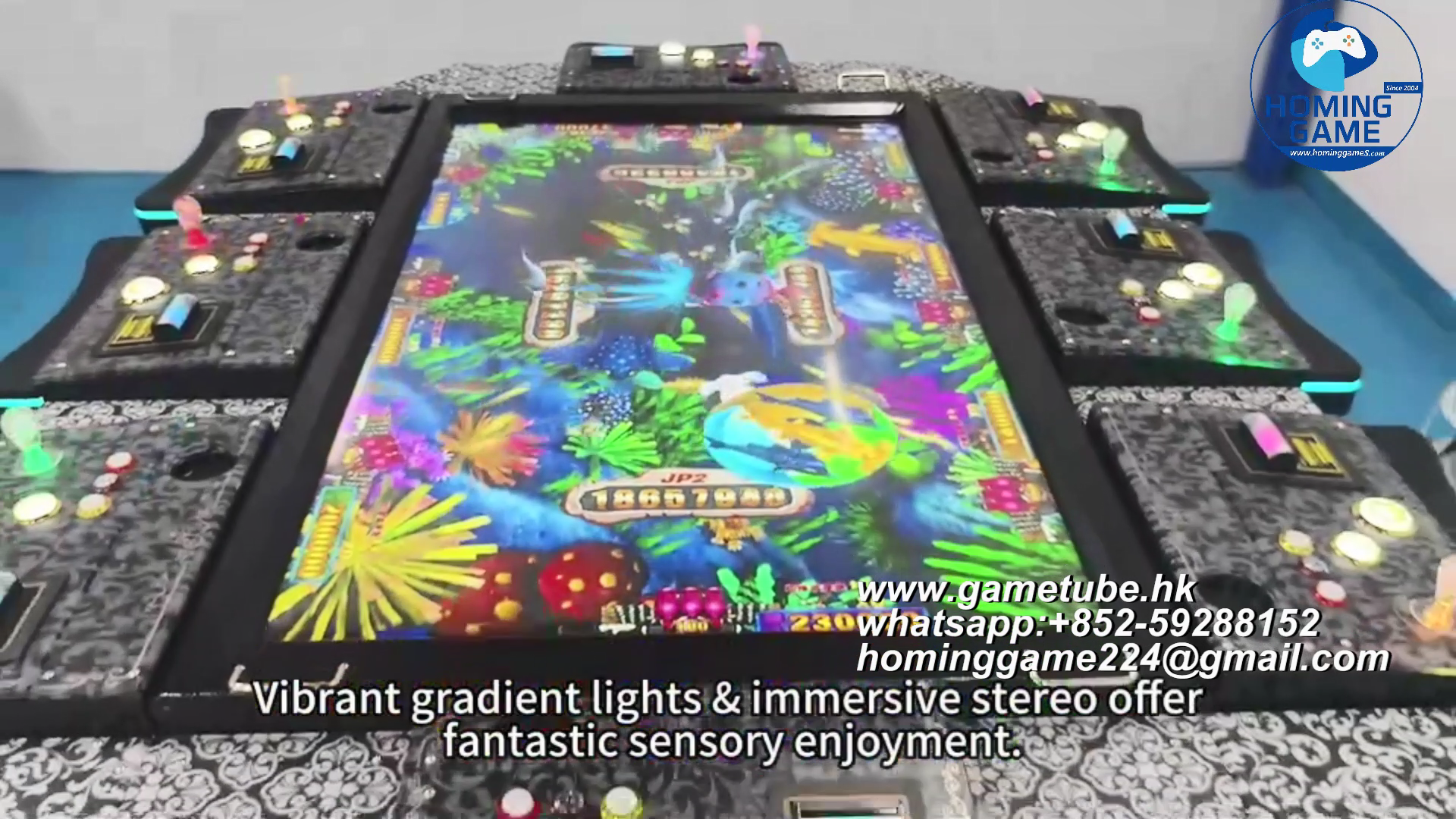
Ultra-HD Display Options:Available in immersive 55-inch, 65-inch, and massive 85-inch high-definition monitors that deliver crystal-clear graphics, vibrant colors, and thrilling action scenes.
High-Capacity Multi-Player Design:Thoughtfully engineered with 8 to 10 independent player stations, allowing large groups to play simultaneously and boosting venue revenue per square foot.
Advanced Payment Systems:Equipped with reliable multi-coin acceptors and bill validators compatible with global currency standards, token types, and custom payment protocols.
Rugged Heavy-Duty Metal Cabinet:Built using heavy-gauge metal and reinforced structural framing designed to endure high-traffic commercial environments.
Modular Plug-and-Play Maintenance:Internal electronic components are neatly organized for effortless troubleshooting, rapid part replacement, and long-term stable operations.
Technical Parameter Sheet
| Brand Name | HomingGame |
|---|---|
| Model Number | HM-FG085 (Custom Series) |
| Product Type | Multi-Player Coin-Operated Fish Hunting Arcade Machine / Fishing Table |
| Screen Sizes Available | 55 Inch, 65 Inch, 85 Inch HD Quality Monitors |
| Player Capacity | 8 Players / 10 Players Multi-Seat Configuration |
| Cabinet Material | Premium Heavy-Duty Metal Frame with Tempered Glass Protection |
| Power Supply / Voltage | 110V / 220V (50Hz/60Hz compatible) |
| Plug Types | EU, US, UK, AU Standard Plugs Available |
| Payment Options | Coin Acceptor, Bill Acceptor, Card Reader System (Optional) |
| Control Layout | High-Sensitivity Joysticks and Heavy-Duty Arcade Push Buttons |
| Special Visual Effects | Flashing LED Lights, Motion Sensing, Indicator Lights, Surround Sound Audio |
| Supported Languages | English, Spanish, French, Chinese, and Custom Localized Languages |
| Application Venues | Arcades, Game Rooms, Family Entertainment Centers (FEC), Shopping Malls, Bars, Clubs |
| Packaging Method | Stretch Film + Thick Protective Carton + Secure Export Wooden Crate / Frame |
| Warranty & Support | 12 Months Comprehensive Warranty & Lifetime Technical Maintenance Support |
Frequently Asked Questions (FAQ)
Q1: What is the Minimum Order Quantity (MOQ) for custom fish tables?
A: The MOQ is1 set. Whether you need a single unit for a local game lounge or bulk containers for nationwide distribution, HomingGame accommodates orders of all sizes with flexible production schedules.
Q2: Can I customize the game software or machine cabinet artwork?
A:Yes, absolutely.As a professional direct factory, we offer full OEM/ODM services. You can customize cabinet aesthetics, LED lighting styles, coin mechanism types, game board versions, and on-screen language packages to suit your regional players.
Q3: What power supply and plug types are provided for international orders?
A: We configure all arcade machines according to your country's electrical specifications. We support standard 110V and 220V power inputs along with EU, US, UK, and AU plug types.
Q4: How is the fish game machine packaged for safe international shipping?
A: We use export-grade protective packaging consisting of soft stretch film, thick shock-absorbing foam/carton paper, and an exterior heavy-duty wooden frame to ensure zero damage during ocean or air freight transit.
Q5: What kind of after-sales technical support do you offer?
A: Every machine comes with a 12-month warranty and lifetime technical assistance. Our engineering team provides remote installation guidance, wiring diagrams, and video troubleshooting support whenever needed.
Partner With HomingGame Factory
Ready to boost your arcade revenue with premium fish hunting tables? Connect with us right away:
WhatsApp: +852-59288152 Email: hominggame224@gmail.com