
منتشر شد 2 Months ago
Verified Direct Factory Supplier
How to Setting The HomingGame 32 inch and 43 inch Vertical and Curve Touch Skill Game Fusion Plus Motherboard Parameter(Order Call Whatsapp:0086-18688409495)

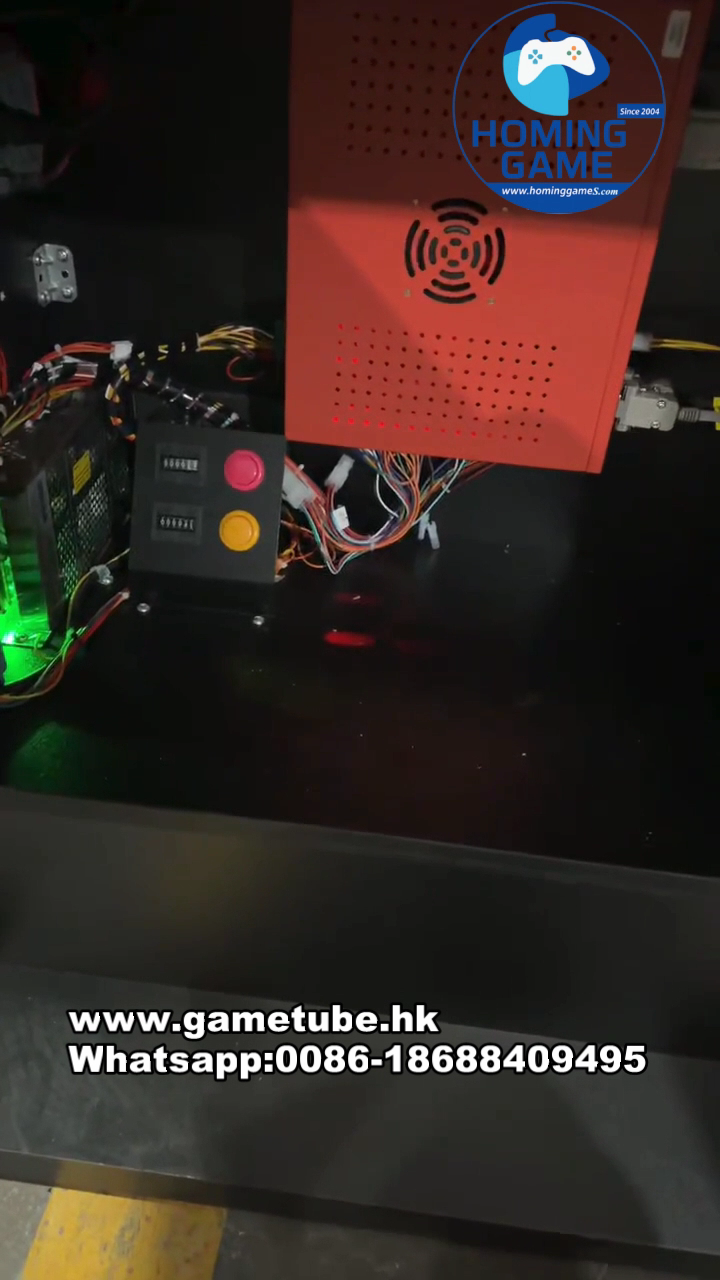
As a leading USA Best Fishing Game Machine And Slot Table Game Machine Supplier and verified direct factory, HomingGame presents the 2026 technical guide for the Fusion Plus Motherboard. This guide is optimized for operators using our high-end 32-inch vertical and 43-inch curve touch cabinets.
1. Pre-Setup Essentials (Hardware Check)
Display Connection: Ensure your 32"/43" LED is connected via HDMI/DP for 4K UHD support.
Touch Calibration: Connect the PCAP 10-point touch USB before powering on.
Stable Power: Use a high-quality power supply to protect the Fusion Plus PCB during parameter writing.
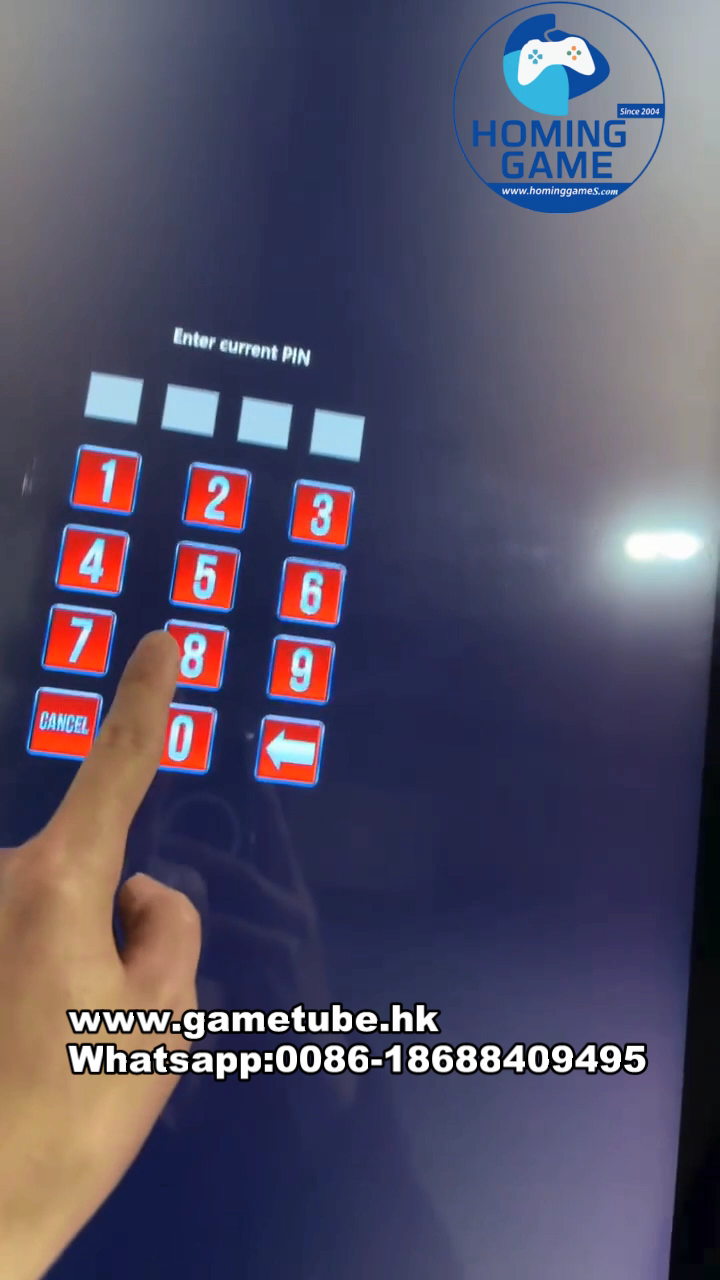
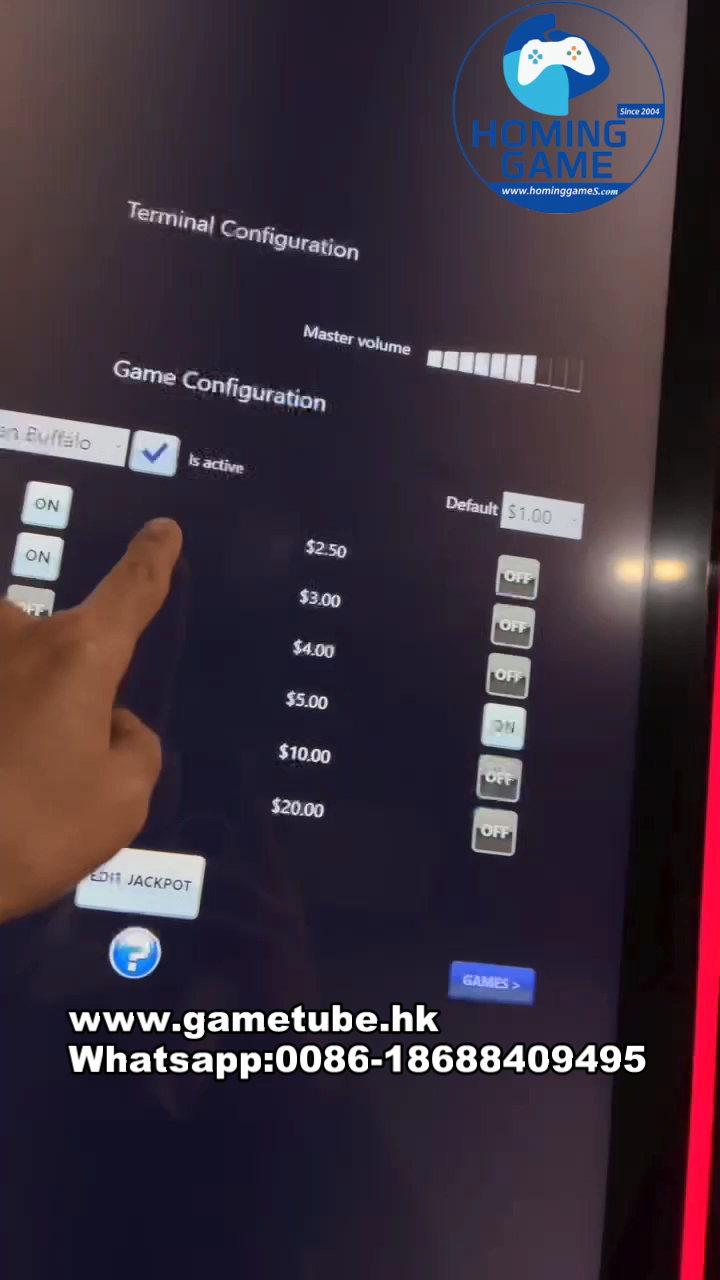
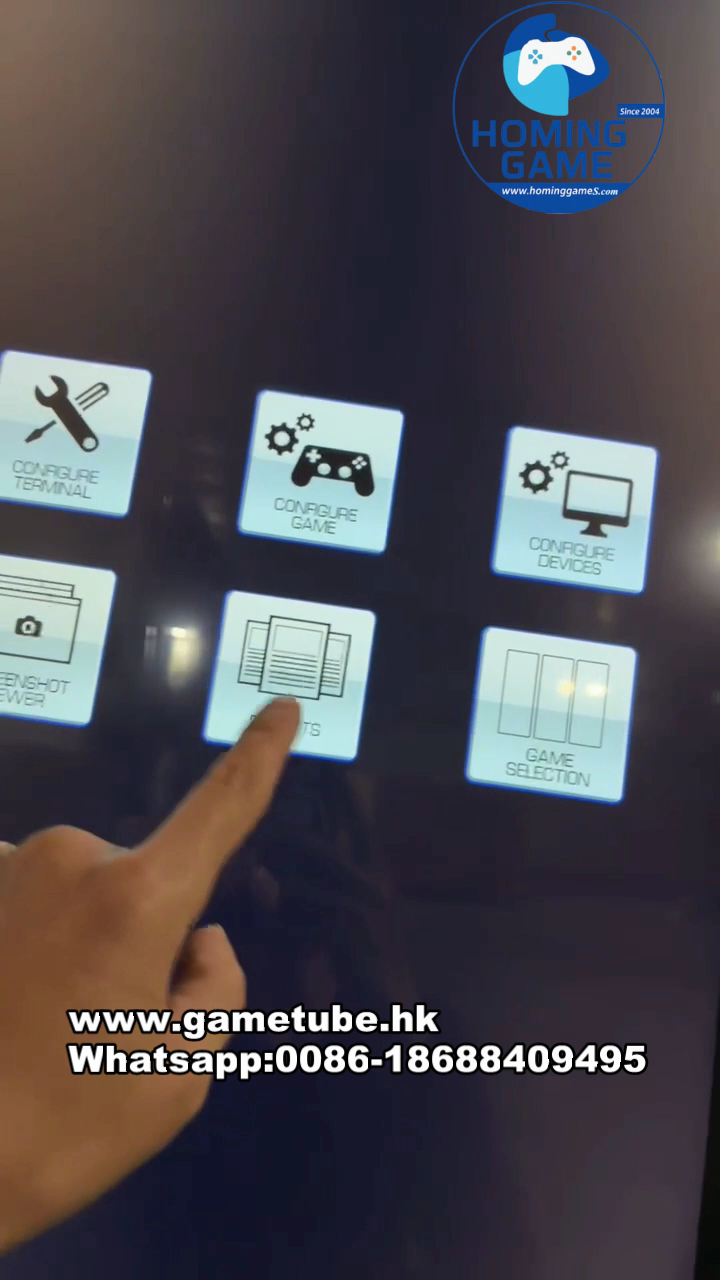
2. Accessing the System Management Interface
Follow these steps to enter the motherboard settings:
Power on the machine and wait for the game lobby to load.
Locate the Account/Setup button inside the cabinet (near the IO board).
Hold the button for 3 seconds to trigger the setup menu.
3. Core Parameter Configuration (2026 Edition)
A. Profit Hold & Difficulty: Navigate to 'Game Settings'. Adjust difficulty (Levels 1-8). We recommend Level 3 for new venue launches to build a player base.
B. Credit Ratio: Set your Coin-In/Out values (e.g., 1 USD = 100 Credits). Compatible with Ticket Redemption and ATM Cash Out systems.
C. Screen Orientation: Configure for 32" Vertical or 43" Curve (Portrait/Landscape) to ensure the Fusion Plus graphics align perfectly with the cabinet hardware.
Technical Specifications Comparison
| Feature | 32" Vertical Cabinet | 43" Curve Skill Machine |
|---|---|---|
| Mainboard | Original Fusion Plus (2026) | Original Fusion Plus (2026) |
| Monitor Type | Flat LED Vertical | J-Curve / C-Curve UHD |
| Input Mode | Touch Screen / Buttons | High-Precision PCAP Touch |
| Best For | Skill Game Rooms / Bars | VIP Gaming Lounges / Casinos |
Frequently Asked Questions (FAQ)
Q1: How do I fix touch screen non-responsiveness in the menu?
A: Check the USB touch controller connection. Ensure the motherboard BIOS is set to 'Auto-Detect' for HID devices.
Q2: Can I clear accounting data for a new location?
A: Yes. Enter 'Account Menu' -> 'Clear Data'. Use your supervisor password provided by HomingGame factory.
Q3: Does this setup work for 2026 Trending machines?
A: Yes, our boards are specifically flashed with the 2026 New Edition firmware for maximum stability and SEO-friendly performance monitoring.
Contact HomingGame - Direct Factory
Factory Address: Guangzhou, China
Contact: 0086-18688409495 (WhatsApp)
Email: hominggame224@gmail.com
Website: www.gametube.hk